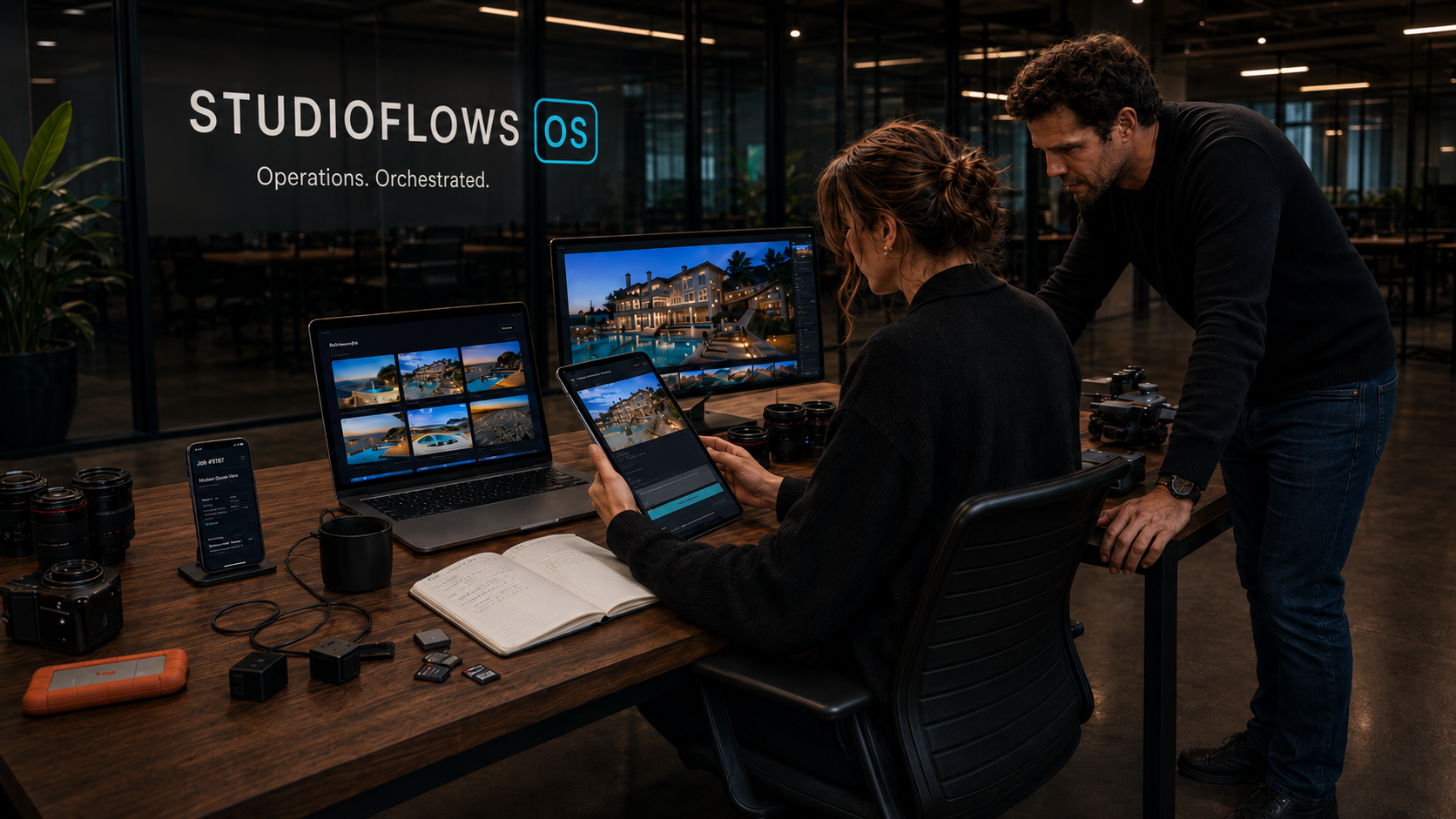
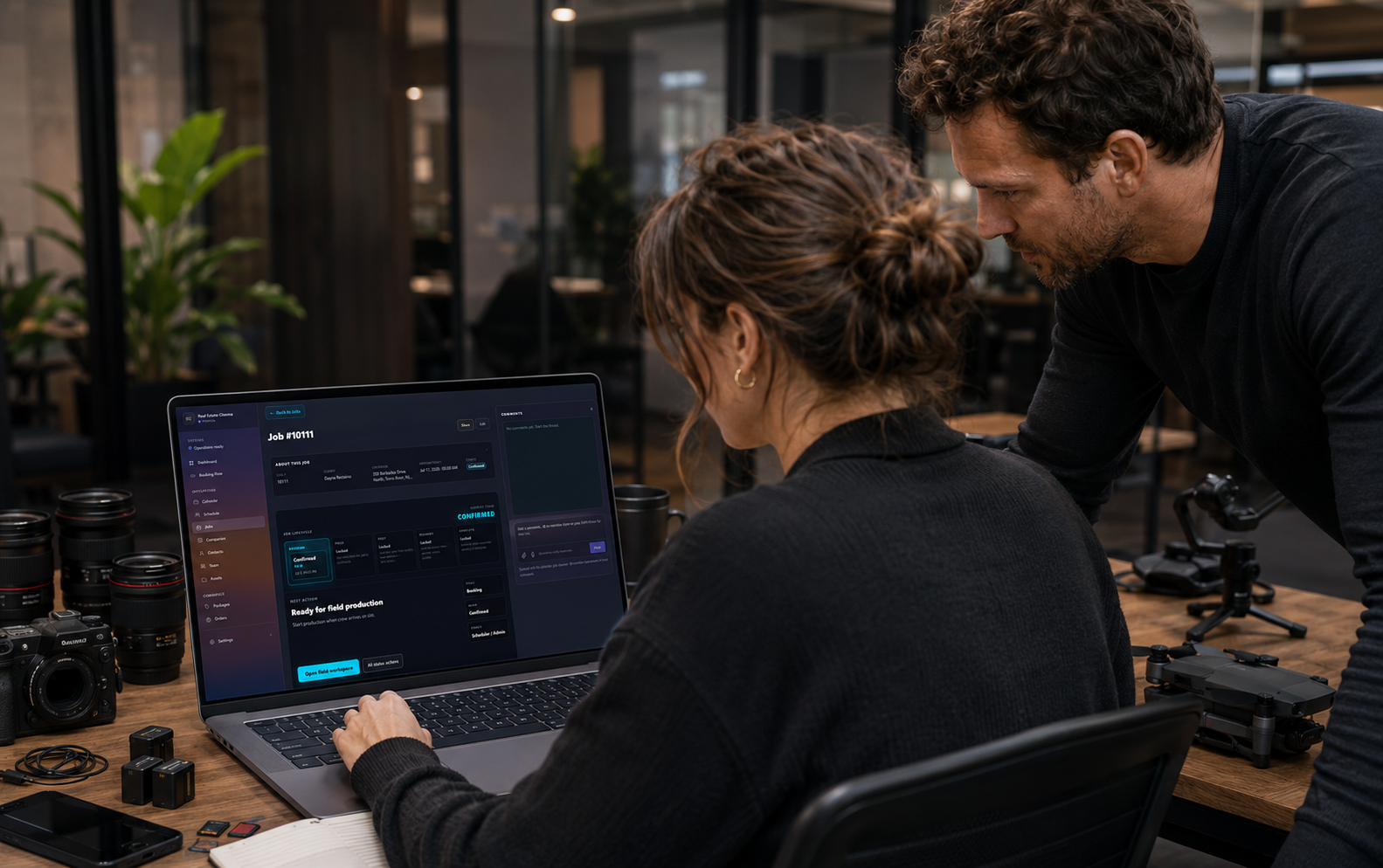
Real estate media team operating inside StudioFlows
Built for real estate media studiosPhoto · Drone · Video · Floor plans · 3D

Real estate media studios should not run through the owner’s phone.

One operating system for every listing job—from booking and crew scheduling to raw uploads, editing, delivery, and payment.

Crew assigned
Raw files uploaded
Editor in progress

The operating problem

The shoot is booked. Somehow, you’re still involved in everything.

Agent texts again: are the photos going out today?

Editor is blocked because drone clips never landed.

Who owns tomorrow's twilight shoot?

The floor plan is missing and delivery is due.

The split shoot moved. Crew coverage did not.

The package changed. Post is working from old notes.

You are still the only person who knows if payment cleared.

Agent texts again: are the photos going out today?

Editor is blocked because drone clips never landed.

Who owns tomorrow's twilight shoot?

The floor plan is missing and delivery is due.

The split shoot moved. Crew coverage did not.

The package changed. Post is working from old notes.

You are still the only person who knows if payment cleared.

One listing · one visual journey

Meet the agent. Schedule the crew. Capture the property. Deliver the job.

All without the owner stitching the operation together.

The agent books once. The job record carries the truth forward.
Dayna Restaino350 Barbados DrivePhoto · Drone · Video · Floor plan

01 · The client moment

The agent books once. The job record carries the truth forward.

Client, property, package, appointment, access notes, special requests, and payment status start on the same record.

Job #10111 · 350 Barbados Drive
02 · Scheduling and coverage

The calendar knows more than the appointment time.

It shows who is assigned, which roles the package requires, drive time, shoot duration, split visits, and coverage gaps.

Job #10111 · 350 Barbados Drive
Hover or tap the screenshot to inspect the product.

The field team sees what it needs. The owner sees what actually happened.
Drone requiredField owner confirmedRaw upload started

03 · Field production

The field team sees what it needs. The owner sees what actually happened.

Crew checks the brief, confirms equipment, updates status, starts raw upload, and flags missing work from the property.

Job #10111 · 350 Barbados Drive
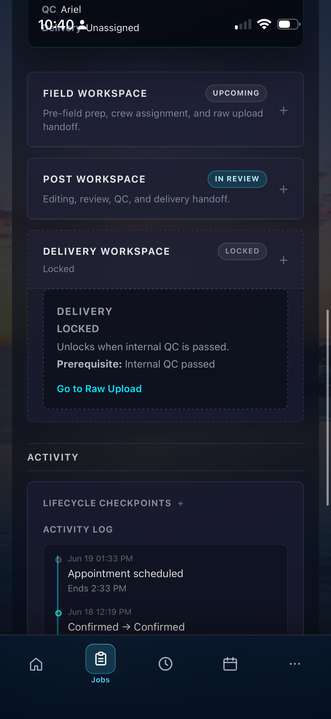
Every handoff stays attached to the job—not buried in another thread.
Field completePost owner assignedNext action visible

04 · Team handoff

Every handoff stays attached to the job—not buried in another thread.

Phase ownership, comments, customer notes, files, activity, and the next action remain visible to the whole team.

Job #10111 · 350 Barbados Drive
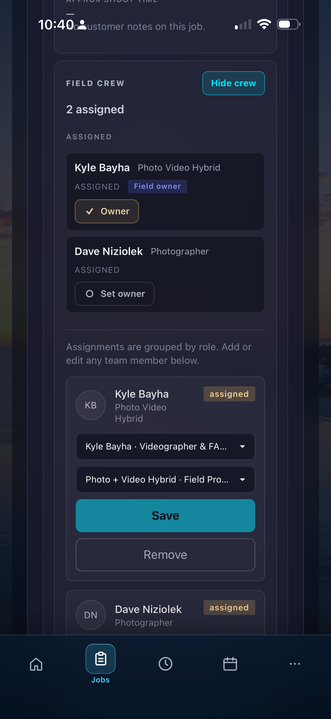
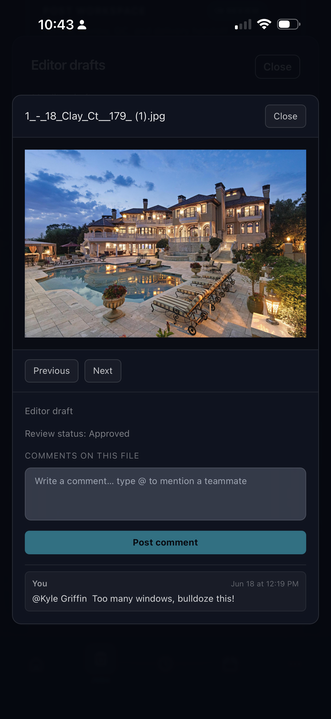
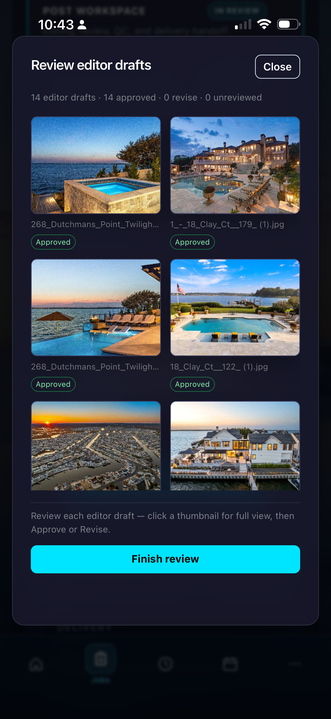
Editors do not start by asking where everything is.
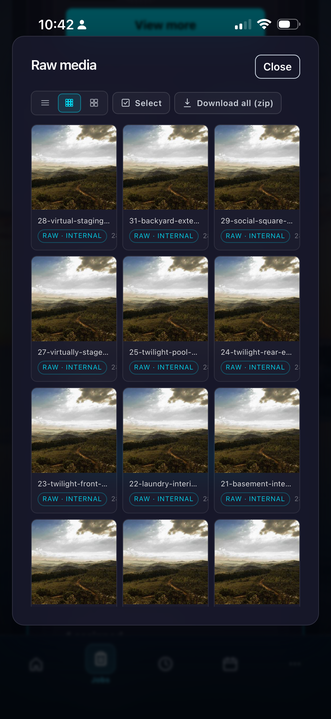
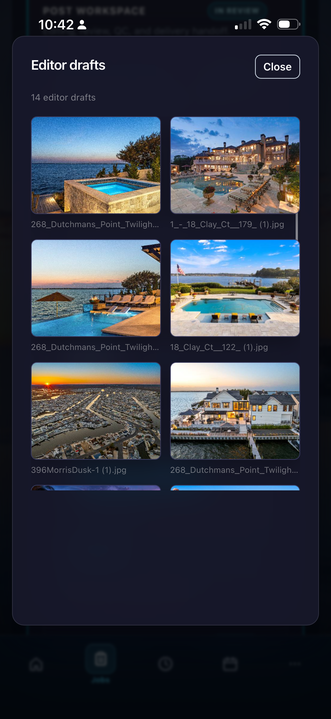
27 raw filesEditor drafts readyQC pending

05 · Post-production

Editors do not start by asking where everything is.

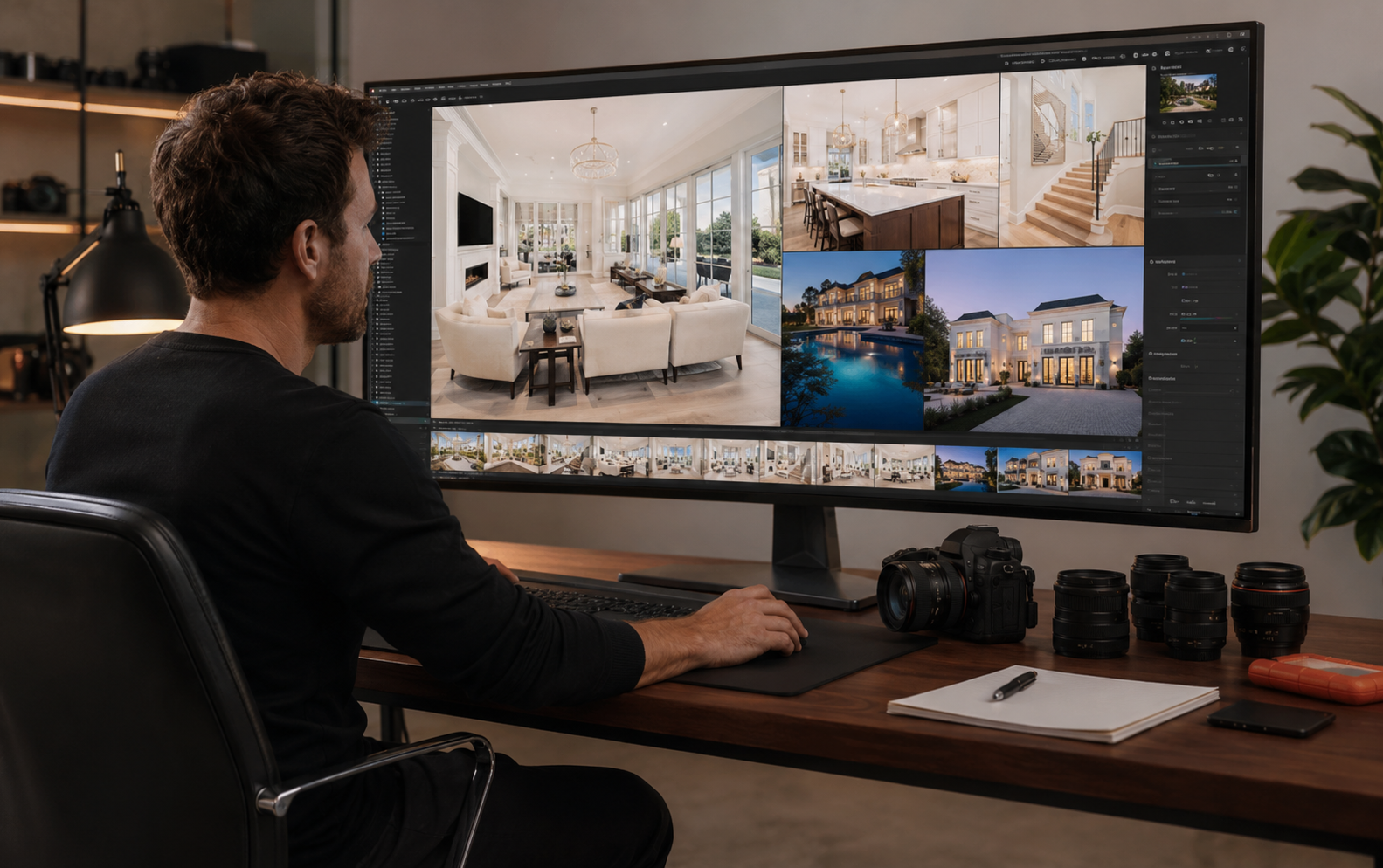
Raw upload, editor handoff, draft review, internal QC, revisions, and delivery readiness move through one visible pipeline.

Job #10111 · 350 Barbados Drive
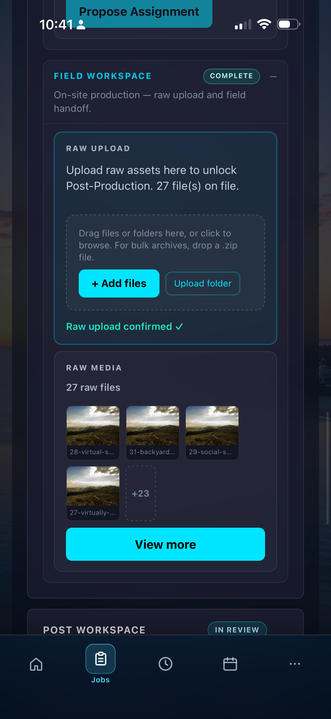
06 · Delivery and completion

One job record shows what is done, what is waiting, and who owns the next move.

The team can see lifecycle stage, deliverables, client status, comments, activity, invoice state, and final release without reconstructing the story.

Job #10111 · 350 Barbados Drive
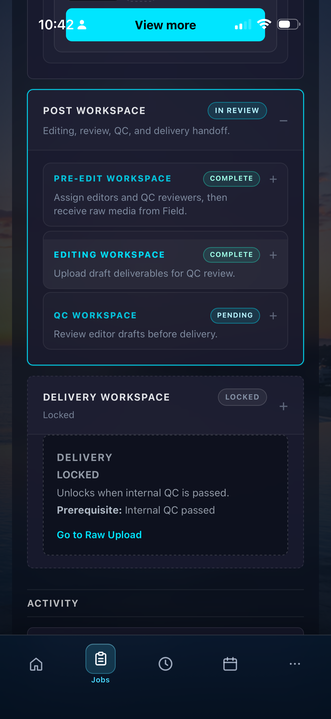
Hover or tap the screenshot to inspect the product.

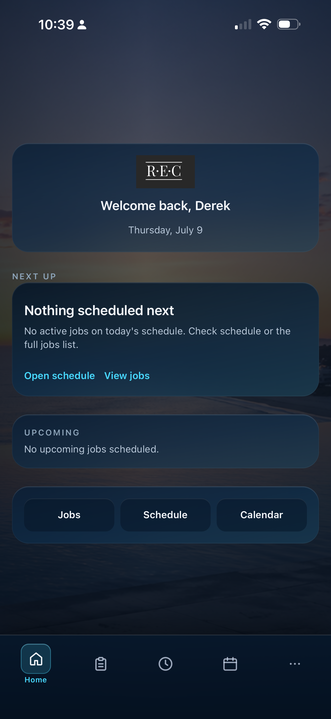
FieldFlow PWA

The field team carries the job—not the whole back office.

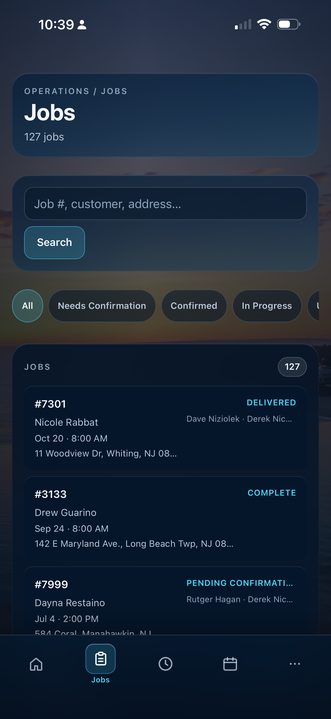
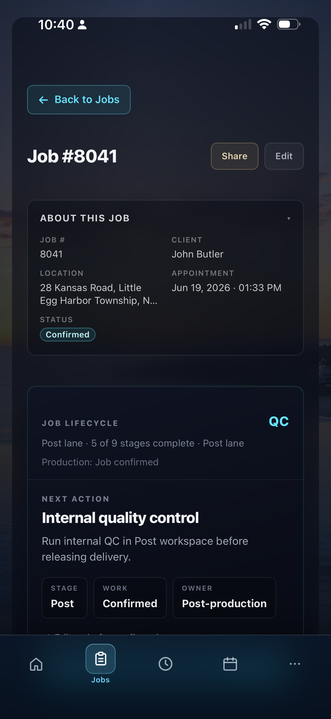
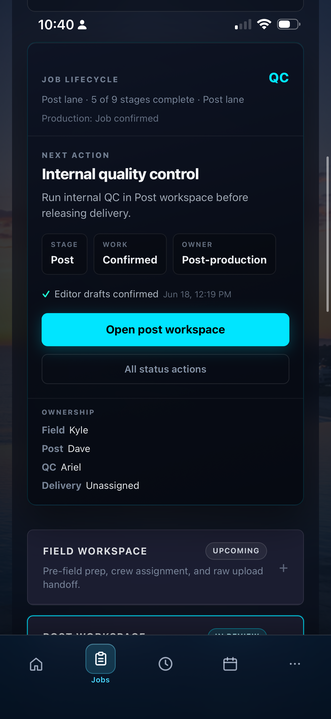
Open the address, package, access notes, crew assignment, upload status, and next action from a phone. No desktop training. No hunting through texts.

Job brief in pocket
Field updates on the job
Raw upload visibility
Next action stays clear

Swipe the phone to move through the real PWA screens.

StudioFlows mobile PWA screen 1
StudioFlows mobile PWA screen 2
StudioFlows mobile PWA screen 3
StudioFlows mobile PWA screen 4
StudioFlows mobile PWA screen 5
StudioFlows mobile PWA screen 6
StudioFlows mobile PWA screen 7
StudioFlows mobile PWA screen 8
StudioFlows mobile PWA screen 9
StudioFlows mobile PWA screen 10
StudioFlows mobile PWA screen 11
StudioFlows mobile PWA screen 12

The identity trap

Your business has a team. Your brain is still the operating system.

The photographer knows the shoot.

The editor knows the files.

The coordinator knows the calendar.

The agent knows what they asked for.

You are still the only person connecting all of it.

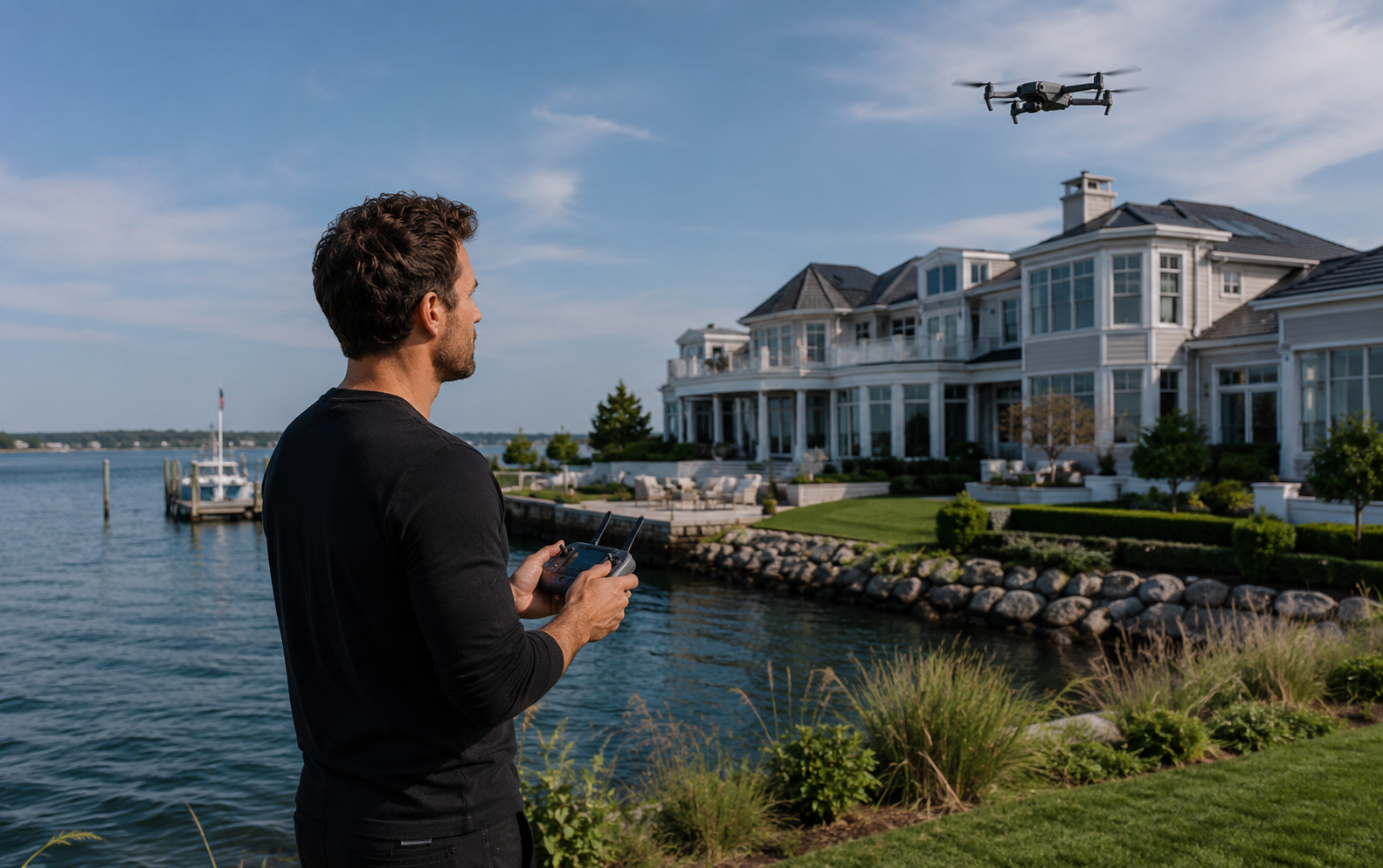
Real estate media team reviewing a StudioFlows job

StudioFlows changes the role

The job connects the team. The owner stops becoming the router.

Live demo path

Do not watch another software tour. Run the operation yourself.

Open a sample listing job. Assign a crew member. Move the job through Field, Post, and Delivery. Inspect ownership, comments, files, activity, and status.

Sample company
Fictitious listing jobs
Nothing to configure
Successful workspace loaded

Complex operation?

Your workflow more complicated than the sample?

Map the handoffs, scheduling rules, crew structure, and owner dependencies that may require a custom StudioFlows OS.